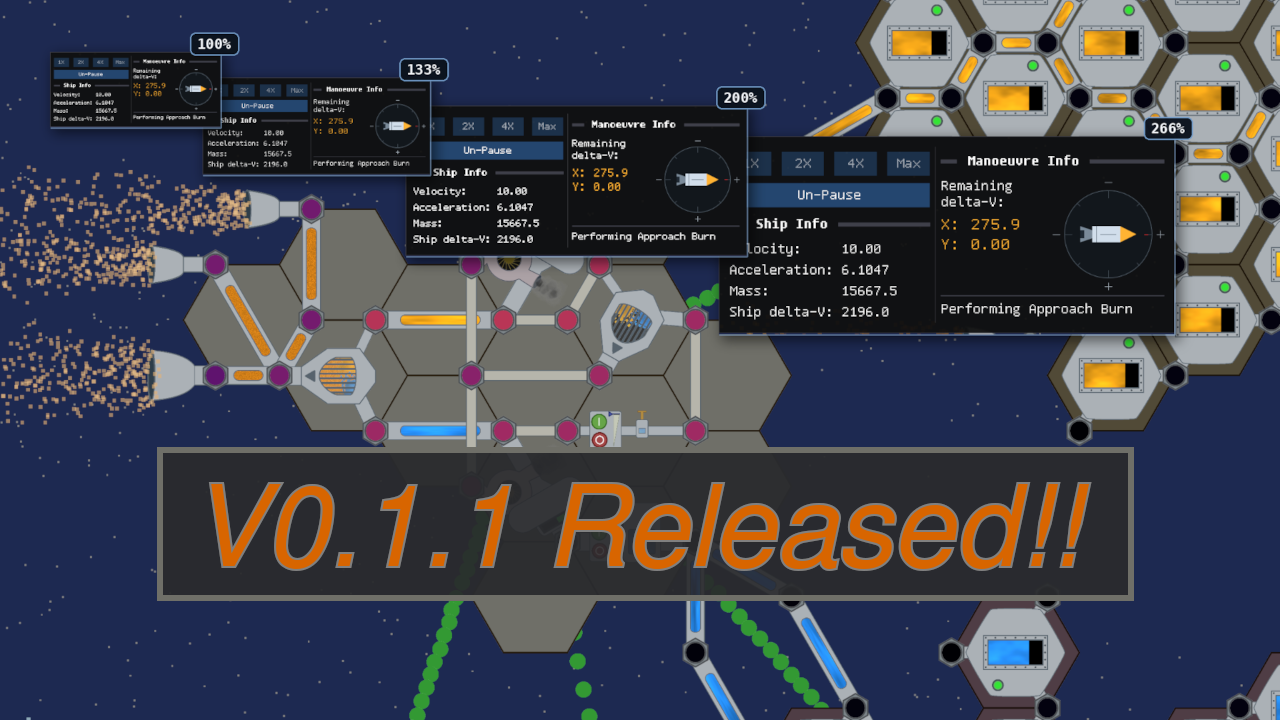
Rocket Plumber v0.1.1 is here, with a redesigned properties inspector and crisp UI scaling!
I was originally planning to dive into developing new gameplay after v0.1.0, but some player feedback convinced me the UI needed attention first. So this is a smaller release focused on making Rocket Plumber easier to read and use.
The biggest changes are an improved properties inspector and adjustable UI scaling that keeps the text clear. I’ve also added autosaving, persistent settings, and several other small usability improvements.
- Download Rocket Plumber v0.1.1 for Windows or Linux! (Release notes)
- Check out the game’s source code and docs on GitHub!
- Sign up for the mailing list to stay up-to-date on releases like this!
New Properties Inspector!#
Previously the properties inspection panel took up the whole right-hand side of your screen and told you EVERYTHING about the component you were looking at, in its raw underlying circuit math riddled glory. This has been the way it’s worked since literally the earliest experiments into the simulation that became Rocket Plumber. If you wanted to know how full a tank was, that info was technically there if you knew where to look, but good luck finding it. I figured if I wanted players to actually be able to learn how things work, I needed to present the technical information about what’s happening in a component in a way that can be understood!
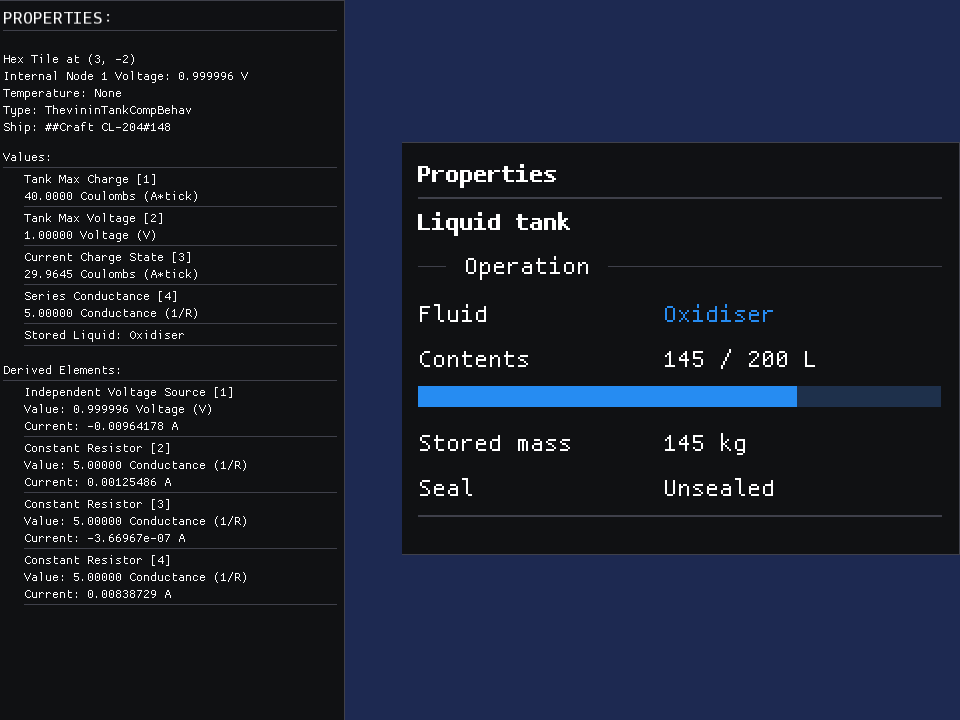
The component API now has a method to return the information needed for its individualised properties view, and I’ve gone through and selected what I think is important to display for each component. There’s even some fancy formatting like gauge bars where it makes sense.
This landed even better than I expected. I’ve found I’m paying more attention to exact values, and trying to optimise things more now the information is right there in your face. It makes it a lot easier to engage with Rocket Plumber’s deep simulation!
UI Scaling#
Previously Rocket Plumber just used the default 13px font that ships with ImGui. This was quite small and could be hard to read, especially on high DPI monitors. Rocket Plumber needed some sort of UI scaling. I played around with approaches that upscaled the existing UI, but that lost the crisp bitmap font rendering which I really liked.
I ended up taking inspiration from the approach Factorio uses, which they outlined in their blog post FFF#277. All the UI is now defined in terms of ‘modules’ which are 3 px at 100% scaling. I then defined fixed scale options that keep the module as an integer. Text rendering works the same way. I am now using the Tamzen font family, which has a number of bitmap sizes available, that align with the module scaling steps. This means every UI scale gets crisp, pixel-perfect text, either using a native bitmap font size or an integer-upscaled version!
| UI scale | Module size | Font size |
|---|---|---|
| 100% | 3 px | 12 px |
| 133% | 4 px | 16 px |
| 167% | 5 px | 20 px |
| 200% | 6 px | 24 px (12 px × 2) |
| 233% | 7 px | 28 px (14 px × 2) |
| 267% | 8 px | 32 px (16 px × 2) |
Again I’m really happy with where this landed, the UI is looking crisper than ever! I’ve also freed up a lot of screen real estate, so I am able to set the default scaling to 133%. This means even without changing your scaling setting Rocket Plumber has gone from a 13 px font to a 16 px font, so hopefully it’s a lot easier on the eyes!
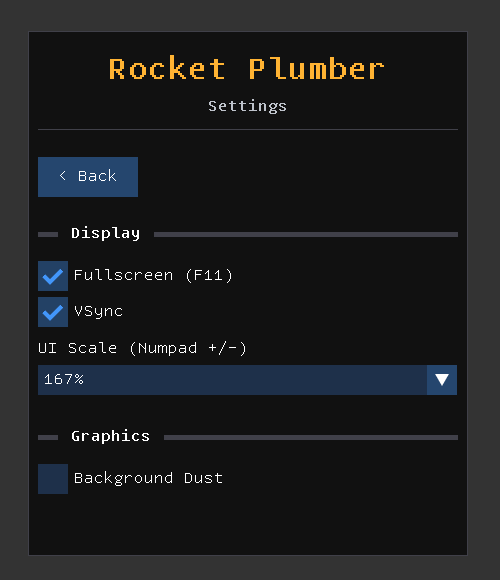
UI Scaling can be configured in the new settings menu, along with a few other things. Your selection should persist between sessions!
Let Me Know What You Think#
As always, if you give Rocket Plumber a go feel free to send through any feedback you have via the email in the game. I still haven’t seen anyone complete the galaxy escape yet!
Also if you want to see a little more of what the gameplay looks like, I’ve just uploaded a video on YouTube playing through the first 20 minutes or so. Hopefully it’s a good demonstration of what to expect!
Join the mailing list and stay up to date!